
At Beamglow, we are committed to ensuring your artwork is prepared to the highest possible standard, allowing for a smooth and efficient production process. The following specifications outline the essential requirements for submitting print-ready files, helping to avoid delays and maintain consistent quality across all projects.
From correct file formats and layering to image resolution and colour accuracy, each detail plays an important role in achieving the best final result. We strongly recommend that all artwork is checked carefully against these guidelines before submission. Attention to technical elements such as bleed, colour profiles, and file structure will help prevent unnecessary revisions.
Where specific finishes or specialist processes are involved, additional care should be taken to meet the outlined requirements. If anything is unclear or you are unsure about any aspect of your artwork, we actively encourage you to get in touch rather than make assumptions.
Our team at Beamglow is always happy to provide guidance and answer any questions to ensure your project runs seamlessly.
Downloads
Supplied Artwork
- Adobe illustrator .ai files/with create PDF compatible file ticked.
- Normalised PDF file.
- All file names are correct.
- Artwork is layered with correct items on each layer.
- Ensure layers are visible / turned on.
- Ensure artwork is using approved technical die line (cutter) and artwork has a minimum of 3mm bleed.
- Text to be all outlined and a live text version to be supplied if changes to text are required.
- Supply fonts if text changes are required.
- Document raster effects set @ 300dpi.
- Any overprint filters / transparencies are indicated correctly in each layer.
- Do not supply embedded images.
- Trapping unless specification has been discussed should not be applied.
Images
- Process images must use CMYK colour space and not RGB.
- Resolution of images is at least 300dpi.
- Low resolution images for position only are to be marked up and indicated clearly.
- PSD files using layers must have correct items on each layer and not flattening these layers allows editing.
- Extra channels used must be named with correct PMS colour.
Colour
- Artworks supplied are set up with correct colour content using either spot colours or CMYK.
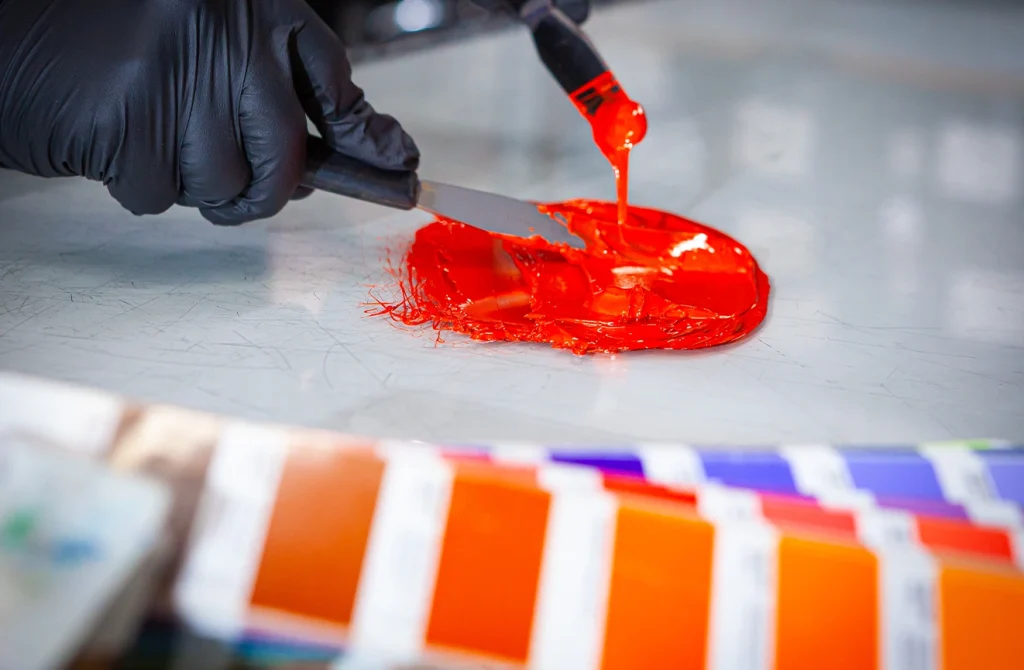
- When using spot colours, they must be supplied set up using correct PMS swatches set as spot colour and not converted to CMYK on output.
- Large solid areas and strong colours will require a double hit of the same PMS colour.
- Artworks that include foil blocking /embossing / other specifications other than print must be coloured in spot colours and not CMYK.
Files
- Supplied artworks must be provided in folders with correct files / images / fonts and saved in a folder.